How do I configure Cloudflare Dynamic DNS?
How do I configure Cloudflare Dynamic DNS?
Setting up Cloudflare as your preferred dynamic DNS provider requires the following steps:
- Sign into Cloudflare and buy a domain name.
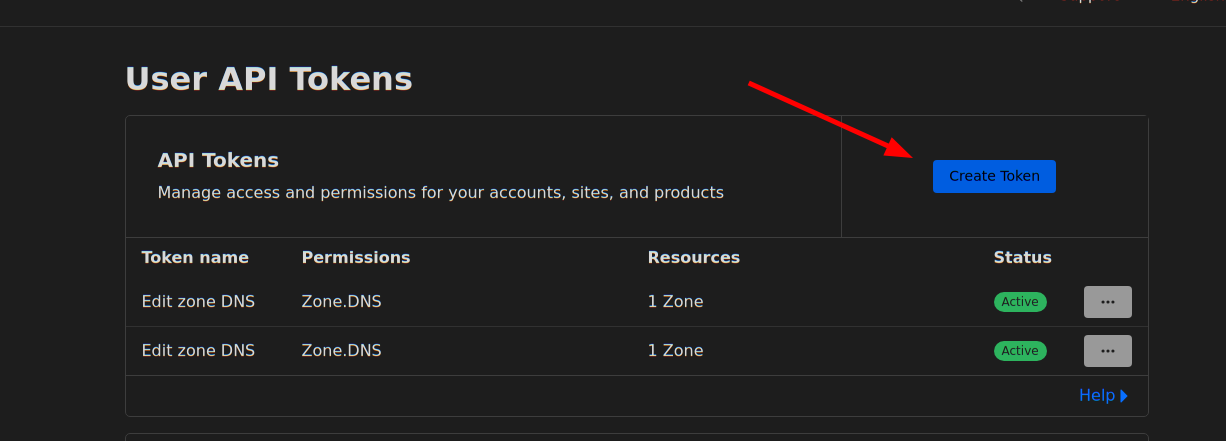
- go to https://dash.cloudflare.com/profile/api-tokens to generate an
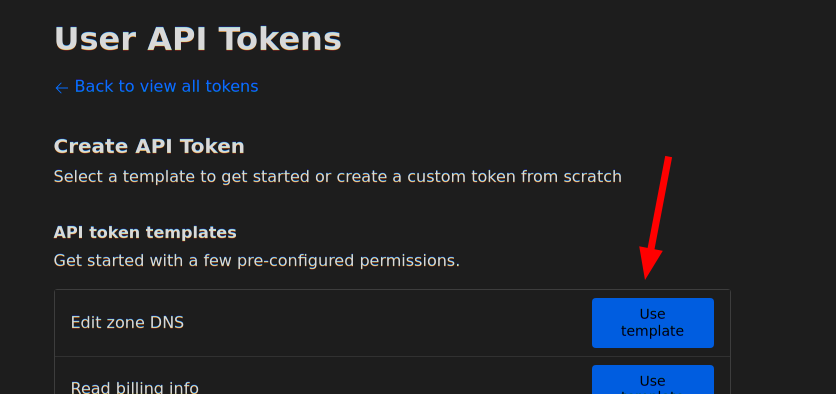
API token. Select
Edit Zone DNSin the API Token templates.
You will require the “Edit” permission on Zone DNS and include the specific zone name you want to manage. The zone name is the domain you purchased for example “example.com”. You will be able to set the hostname under that domain, e.g. “velociraptor.example.com”
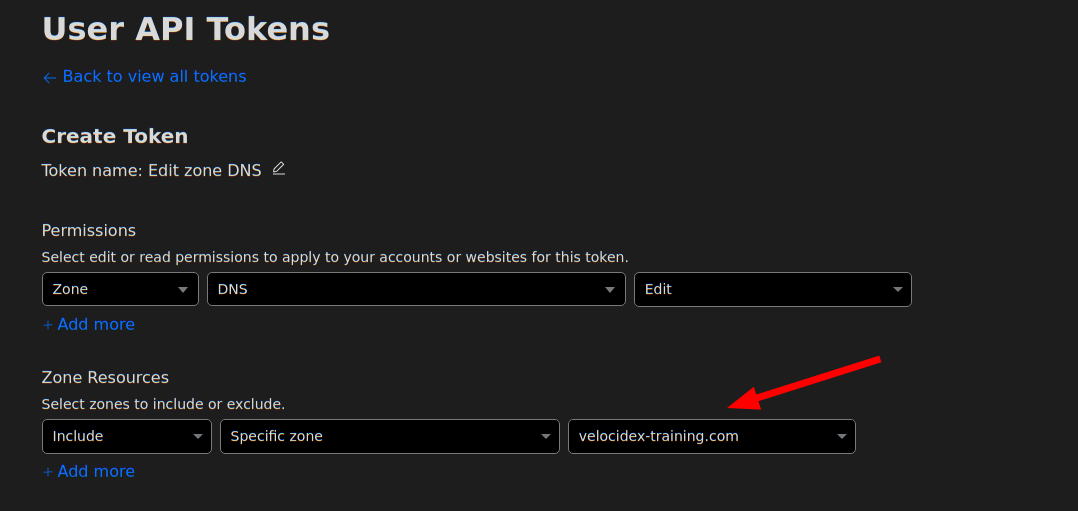
Using this information you can now create the dyndns configuration:
Frontend:
  ....
  dyn_dns:
    type: cloudflare
    api_token: XXXYYYZZZ
    zone_name: example.com
Make sure the Frontend.Hostname field is set to the correct hostname to update - for example
Frontend:
  hostname: velociraptor.example.com
This is the hostname that will be updated.