Keyboard Shortcuts
The Velociraptor GUI supports many keyboard shortcuts to navigate around quicker. So you don’t have to be slowed down by mouse clicks!
The key combination <Ctrl> + / will bring up the Keyboard Shortcuts help.
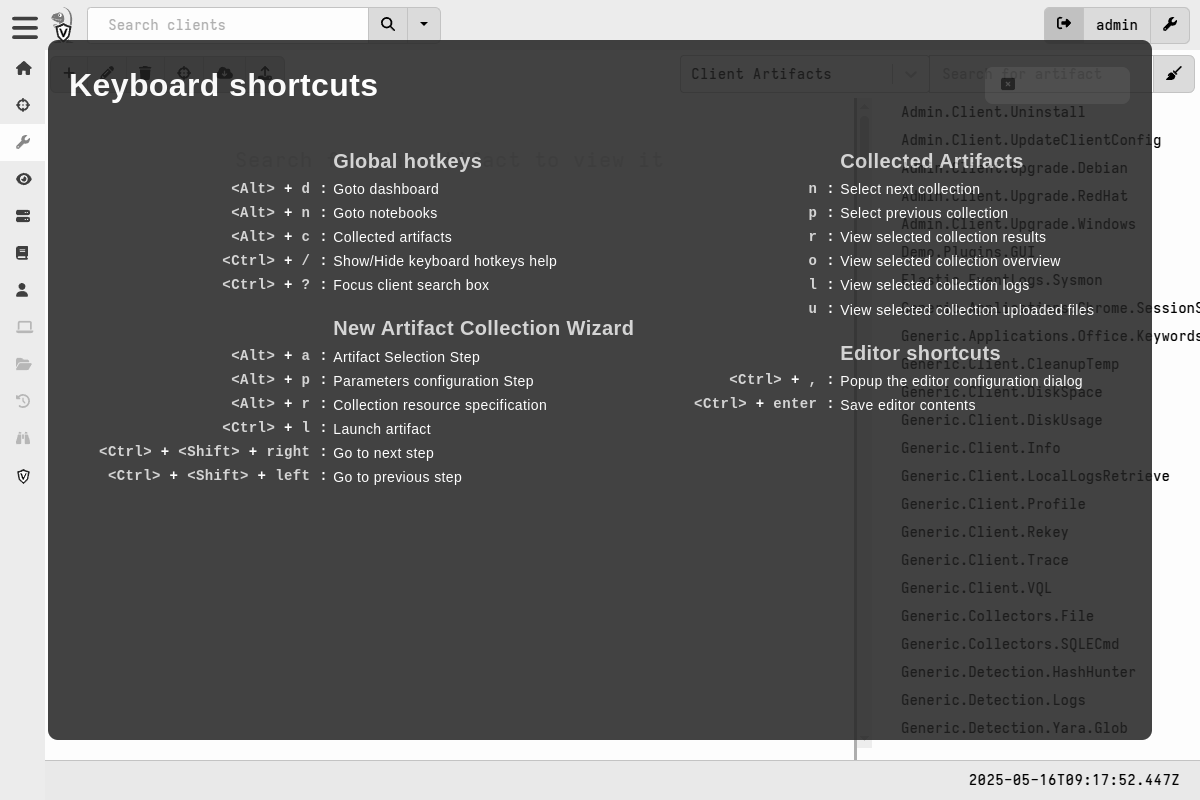
The Esc key or clicking anywhere on the screen will close it.
Global hotkeys
These are available on any screen in the GUI.
<Alt> + d |
: | Go to dashboard |
<Alt> + n |
: | Go to notebooks |
<Alt> + c |
: | Collected artifacts (for the currently selected client) |
<Ctrl> + / |
: | Show/Hide keyboard hotkeys help |
<Ctrl> + ( <Shift> ) + ? |
: | Move focus to the client search box |
New Artifact Collection Wizard
These are available in the Collection Wizard.
<Alt> + a |
: | Artifact Selection Step |
<Alt> + p |
: | Parameters configuration Step |
<Alt> + r |
: | Collection resource specification |
<Ctrl> + l |
: | Launch artifact |
<Ctrl> + <Shift> + <Right> |
: | Go to next step |
<Ctrl> + <Shift> + <Left> |
: | Go to previous step |
Collected Artifacts
These are available when a collection is selected.
r |
: | View selected collection results |
o |
: | View selected collection overview |
l |
: | View selected collection logs |
u |
: | View selected collection uploaded files |
Paged Tables
These are available when any paged table has focus, for example in collection results.
n |
: | Go to next page |
p |
: | Go to previous page |
j |
: | Select next row |
k |
: | Select previous row |
Home |
: | Go to first page |
End |
: | Go to last page |
Artifact Editor
These are available in the artifact editor and Sigma editor.
The editor uses the ACE (Ajax.org Cloud9 Editor) under the hood. This means that all the ACE keyboard shortcuts listed here are available in the editor, many of which are common shortcuts across many popular text editors.
In addition, the following shortcuts are available in the editor.
<Ctrl> + , |
: | Popup the editor configuration dialog |
<Ctrl> + <Enter> |
: | Save editor contents |
Multi-select deletion
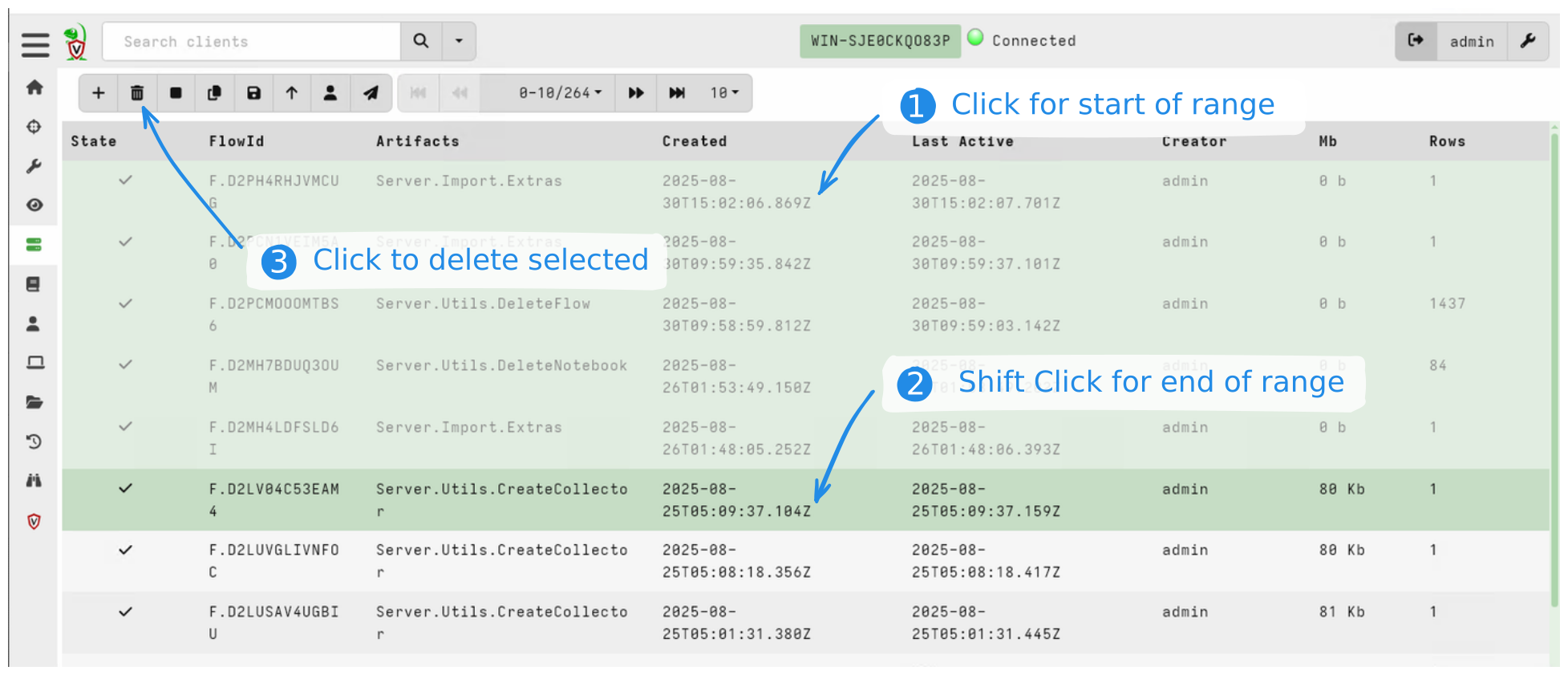
Multiple items can be selected for deletion by clicking the first item in the
range, then pressing SHIFT, and then clicking the last in the range.
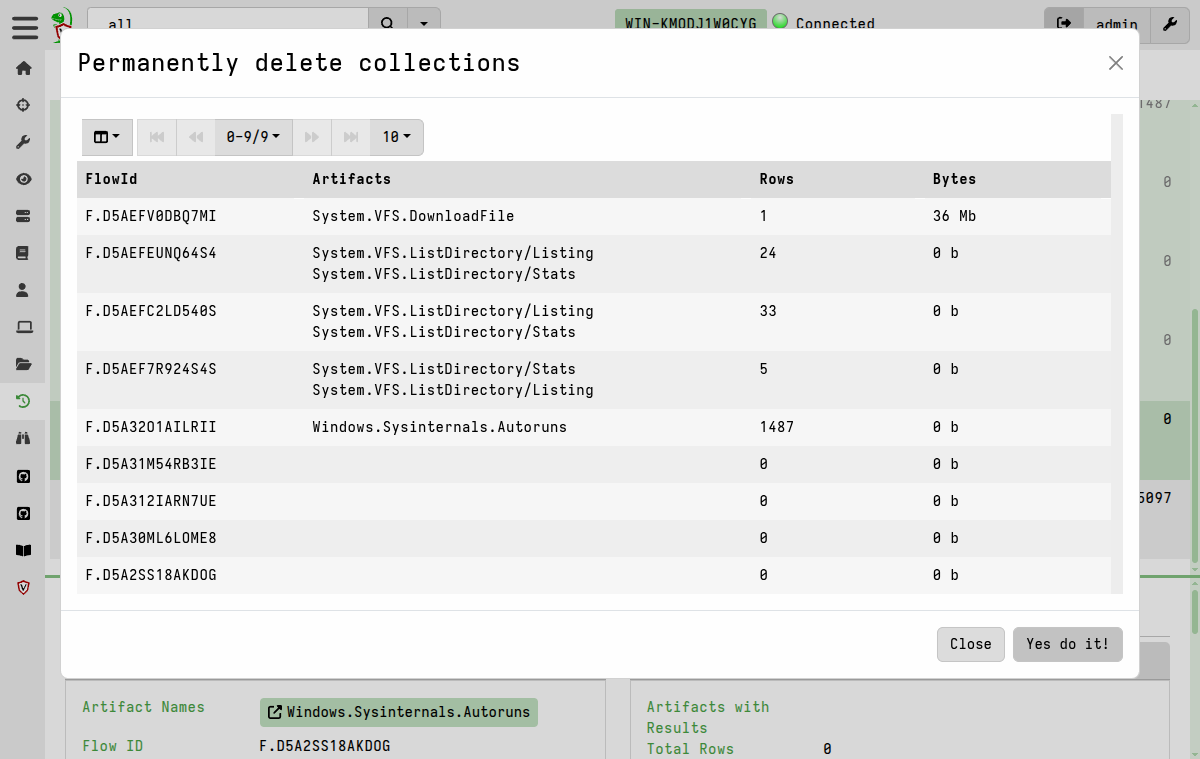
This allows deleting many items at once from the GUI. The same process works for deleting multiple clients, multiple artifacts in the artifacts viewer, multiple notebooks, and multiple collections from a client.